Guides ·
Do Hidden Camera Detectors Actually Work? What They Can and Can't Find
Save it for your next trip: Download our free, one-page hotel privacy checklist to print or keep on your phone. No signup required.
Short answer: yes, when you know what each part does. A good detector combines two different checks, and each one covers the other's blind spots. Here's what's actually going on inside one, without the marketing.
Check 1: the RF scan finds devices that transmit
An RF (radio frequency) detector picks up the signals that wireless devices send out: Wi-Fi and Bluetooth cameras, cellular trackers and audio bugs. The closer you get to the source, the stronger the reading, so you can walk it down to the exact object.
What it catches: cameras streaming over Wi-Fi or cellular, wireless audio bugs, and GPS trackers with a SIM card while they're reporting their position.
What slips past: wired cameras, cameras that only record to a memory card without transmitting, and devices that are switched off.
Why it beeps near your router: because your router, phone, smart TV and speakers transmit too. That's normal. Lower the sensitivity, put your own phone in airplane mode, and pay attention to objects that have no reason to send a signal, like a clock, a smoke detector or a phone charger.
Check 2: the lens finder finds the lens itself
Every camera has a lens, and lenses reflect light straight back toward its source. A lens finder shines red light and lets you look through a red filter; a camera lens shows up as a bright, steady red point. It doesn't matter whether the camera is on, off, wired or wireless.
What it catches: any camera lens in its line of sight, including ones that don't transmit at all.
What slips past: lenses fully hidden behind objects. It also works best in a dim room and when you sweep slowly from more than one angle.
Trackers need a little patience
Many GPS trackers save battery by transmitting in short bursts: some every few seconds, some only a few times a day. If you suspect a car or a bag, hold the detector still near the spot for a few minutes instead of sweeping quickly. For Bluetooth tags like AirTags, your phone helps too: iPhone and Android can both alert you to unknown trackers moving with you.
How to get a reliable result
- Use both checks: the lens finder for anything with a view of the bed, shower or desk, and the RF scan for anything that could be transmitting.
- Go slowly. Sweep a few centimeters from each object rather than waving the detector around the room.
- Know your baseline. Note which normal devices make it react so you can spot the odd one out.
The honest verdict
No detector can promise to find every camera, and anyone who says otherwise is overselling. What a good one does is turn a vague worry into a two-minute routine that covers the most common hiding spots. If you want to see the routine step by step, read how to check a hotel room or Airbnb for hidden cameras.
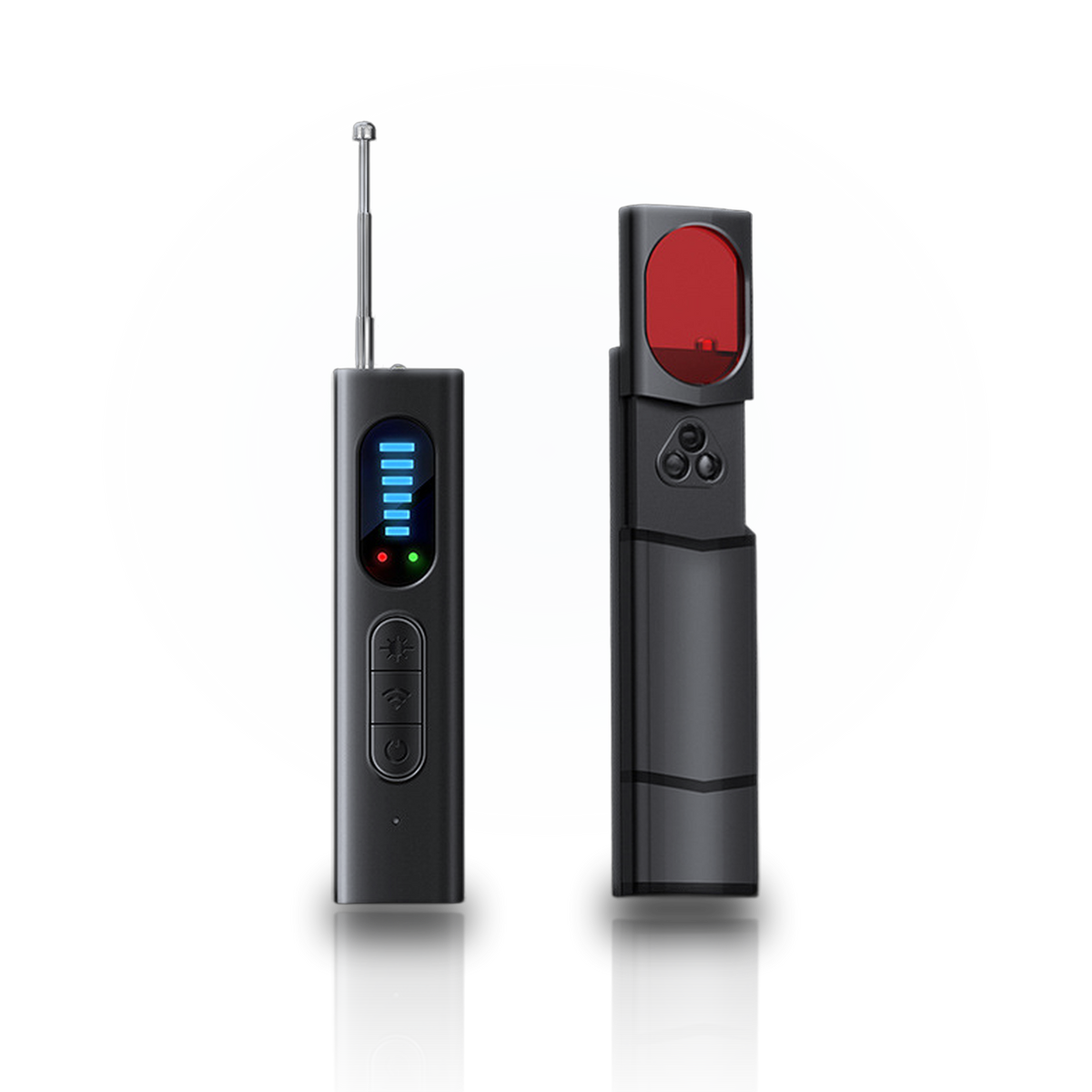
Obscura combines both checks in one 94 mm detector: an RF scan from 1 MHz to 6.5 GHz with five sensitivity levels, and a red lens finder.